
How to Control Screen Glare in Your Home Office
26th February 2024
3 min read
26th February 2024
3 min read
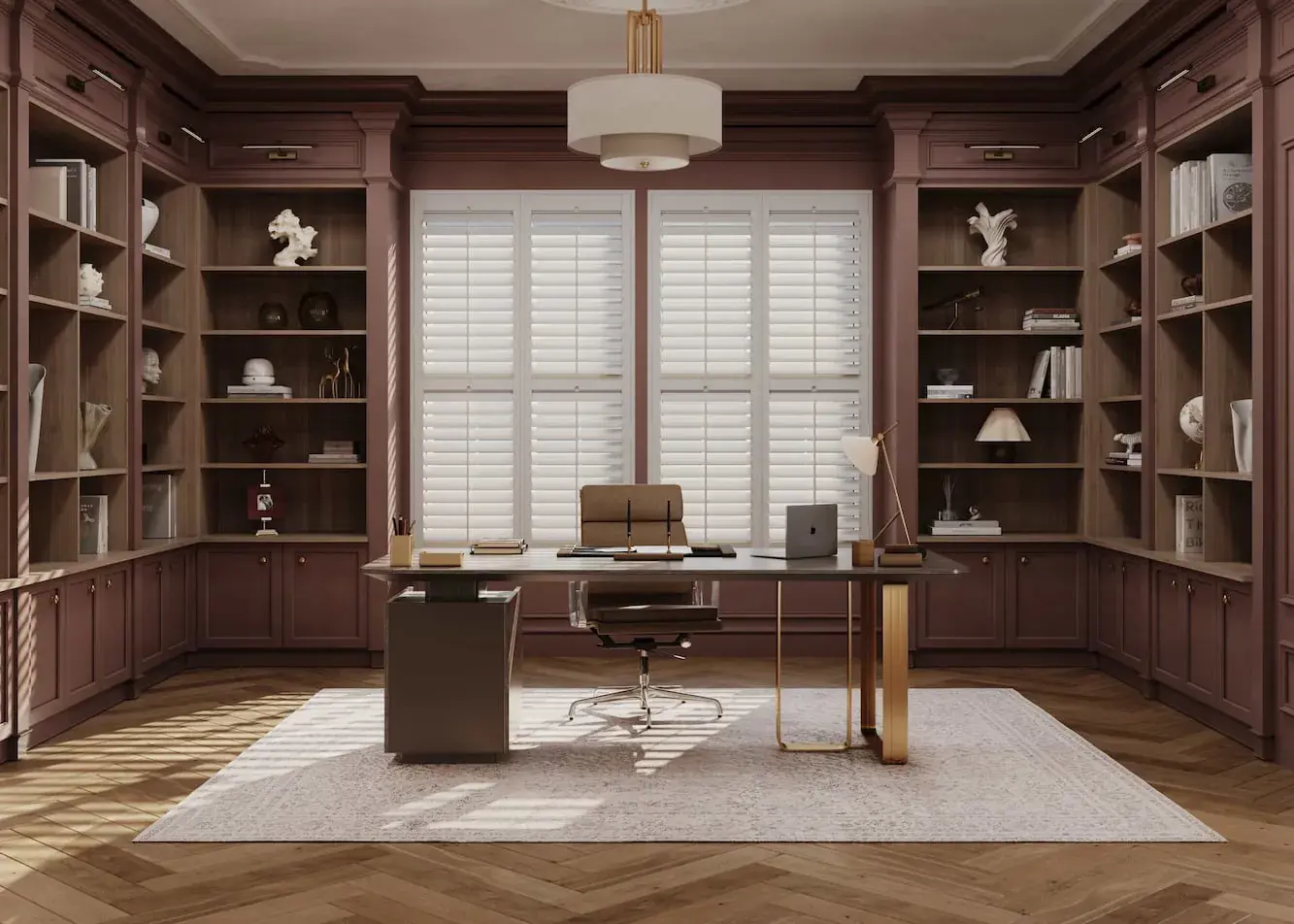
Eye strain, headaches, constant fidgeting, and bad posture — screen glare can wreak havoc on your home office routine. The good news is that fixing it doesn't have to be complicated. Here are five practical ways to cut glare and make your home office a more comfortable place to work.
The simplest fix first. Position your monitor so windows are to the side rather than directly in front or behind you. This reduces direct light hitting the screen and prevents the worst of the glare — and you still get to enjoy the view.
An anti-glare monitor is a small investment with a big payoff. Anti-glare screens or screen protectors are available from as little as $20 at most online retailers, making this one of the most cost-effective fixes on the list.
How you light your home office matters as much as how you position your screen. Soft, indirect lighting reduces glare and shadows, both of which strain your eyes over a long working day.
Indirect lighting — light reflected off walls and ceilings rather than pointed directly at your workspace — creates a more evenly lit, diffused environment. It's easier on the eyes, and it also makes for a calmer, more focused space to work in.
Lamps and monitor settings only solve half the problem — the other half is the natural light coming through your window. Wood interior shutters are one of the most effective ways to manage this. With adjustable louvers, you can fine-tune exactly how much sunlight enters the room with a simple tilt, cutting glare without blocking out natural light altogether.
They also do double duty as a smart, polished backdrop for video calls.
Different shutter styles suit different home office setups:
Style | Best For |
|---|---|
Total window coverage and full light control | |
Balancing glare control with natural light from above | |
Maximum flexibility — adjust the top and bottom independently throughout the day | |
Maximum light blockage for bright rooms or south-facing windows |
Installation is straightforward too, with our step-by-step installation guides walking you through every stage.
Screen glare doesn't have to be a daily battle. Start with the basics — monitor position and an anti-glare screen — then tackle the lighting in your space with soft, indirect light and shutters that let you control natural light with a simple tilt. Get all four right, and you'll notice the difference in your eyes, your posture, and your focus.